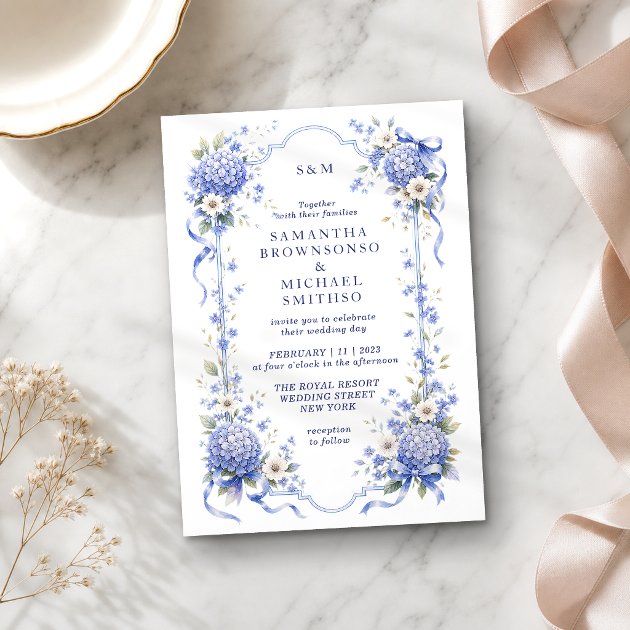
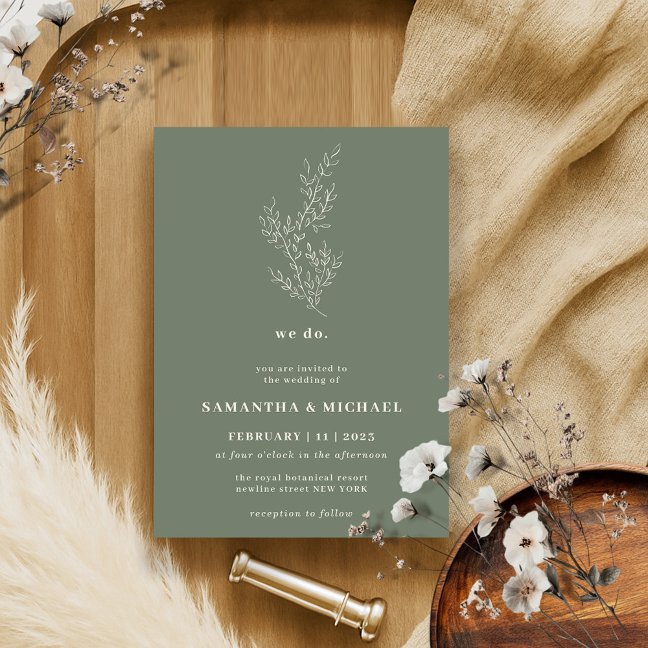
Build a palette from scratch or pull one out of a photo or logo. Reorder colours by dragging, preview them on four live layouts, then download the palette or open any colour in ColorsLovers for codes, shades and contrast.
Free, no sign-up
Image to palette extraction
PNG download
Runs in your browser
Palette Designer
☰
☰
☰
☰
☰
☰
☰
☰
☰
☰
Privacy: Images you upload are read in your browser and never sent to our servers. Colour names are looked up from a public colour-name API using only the hex value, and the share QR code is drawn by a public QR service from this page's address. You own what you create here.
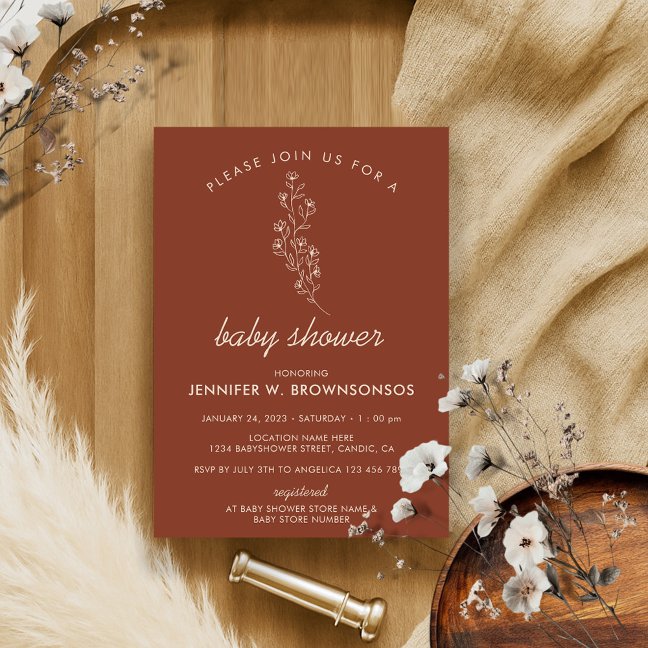
Terracotta Flower Summer Fall Please Join Us InvitationCustomize
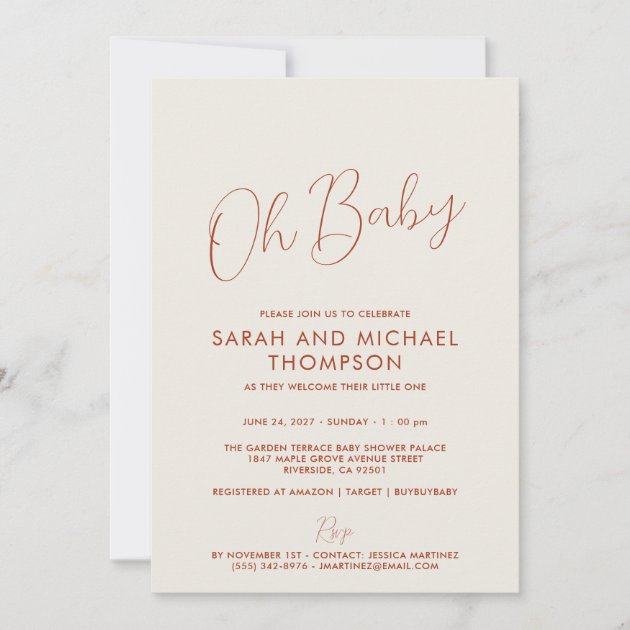
Modern ivory Baby Shower Elegant Script InvitationCustomize
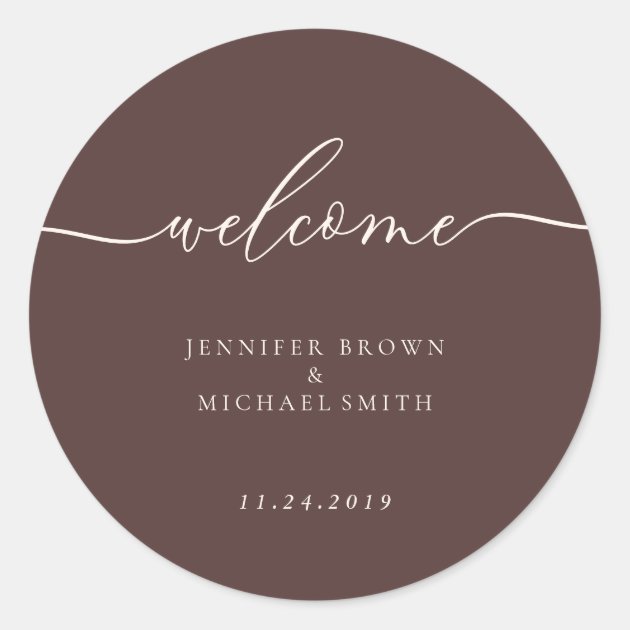
Minimal Chocolate Brown Welcome Classic Round StickerCustomize
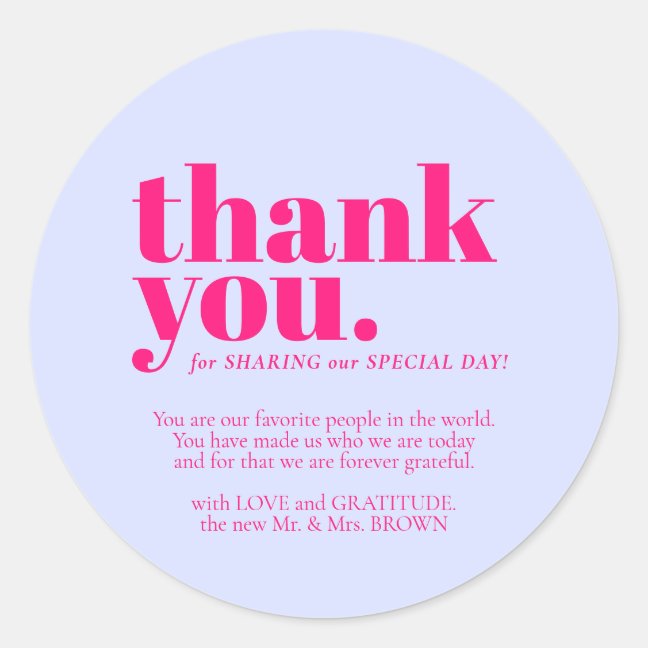
Minimalist Thank You elegant Lilac Pink Classic Round StickerCustomize
Frequently asked questions
How do I extract colours from an image?
Click the upload field, choose a photo or logo, and the five dominant colours appear as swatches. The image is read in your browser and never uploaded.
Can I get the hex codes?
Yes: each swatch shows its hex code, and the download includes them. For HSL, CMYK, tints, shades and harmonies, open the colour in ColorsLovers.
What is a good number of colours for a brand palette?
Two main colours plus one neutral. Invitations usually use one dominant colour, one accent and an off-white background.
Does the palette creator work on a phone?
Yes. Uploading a photo opens the camera roll on iOS and Android.
Is anything stored?
Your palette is saved in your own browser's storage so it survives a refresh. Nothing is sent to our servers; colour names are looked up through a public colour-naming API using only the hex code.