Type the link, drop in your logo, pick your brand colours and download a print-ready PNG. A built-in scanner checks that the code still reads after you customise it.
No watermark, no sign-up
Logo and brand colours
Scan test built in
High-resolution PNG
QR Customizer Pro
Color Palette Extractor
Upload an image to see its color palette
Tap a color to filter the archive and copy HEX!
Live Diagnostic
Waiting...
Checking...
Privacy: We do not store any of your content or uploaded images on our servers. All processing happens locally in your browser. Users are solely responsible for the content of the generated QR codes and any subsequent use of the downloaded files.
Pet Groomer Sitting Dog Cat Spa Price List MenuCustomize
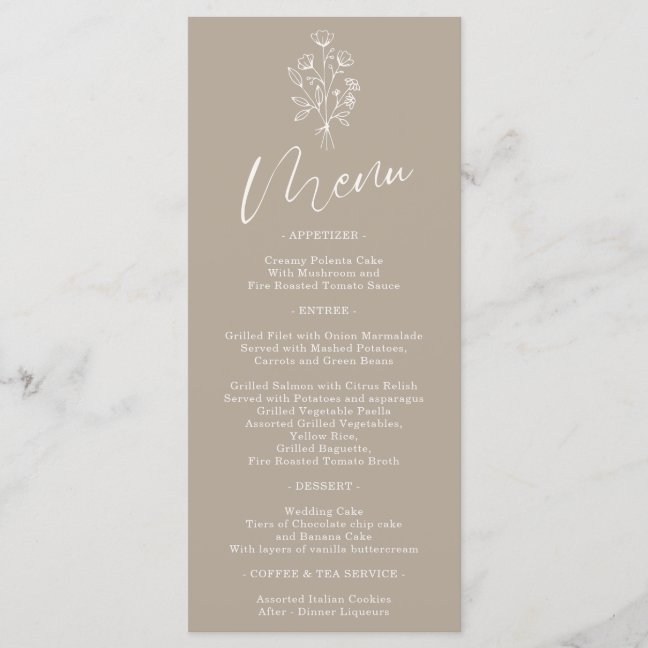
Brown Beige Flower Bohemian Simple Botanical MenuCustomize
Frequently asked questions
Is the QR code free to use commercially?
Yes. The code is yours; there is no watermark, no expiry and no account.
Does the QR code expire?
No. It is a static code that encodes the link itself, so it works as long as the link works.
What size should a QR code be on a business card?
At least 0.8 in (2 cm) wide with a quiet zone of four modules around it. Keep it inside the safe zone, away from the trim edge.
Why does my QR code not scan after adding a logo?
The logo covers too much of the pattern or the colours are too similar. Use error-correction H (default here), keep the logo under 25% of the area and keep at least 4.5:1 contrast between dark and light modules.
Can I make a Wi-Fi QR code?
Paste the standard Wi-Fi string: WIFI:T:WPA;S:NetworkName;P:Password;; and phones will offer to join the network.