Type a name or slogan, choose a script font, add calligraphy swashes on either side and download a transparent PNG for a logo, signature, monogram or invitation heading.
43 script and display fonts
Left and right swashes
Transparent PNG
No sign-up
Swirl Text Creator
A) TEXT DYNAMICS
First Char:
Middle Block:
Last Char:
Rest:
Mode:
Weight (+/-):
Spacing:
B) LEFT SWASH
Length:
Max Thick:
Min Thick:
C) RIGHT SWASH
Length:
Max Thick:
Min Thick:
Drag points. Swashes follow the text ends automatically!
How to use the Swirl Text Creator
Type and pick a fontNames, slogans and dates work best in 1–4 words.
Shape the swashesAdjust the left and right swash style, length and curl, then size, colour and letter spacing.
DownloadSave the transparent PNG and place it on a card, label or invitation; the SVG option wraps the same image for apps that only accept SVG.
Where a swirl signature looks best
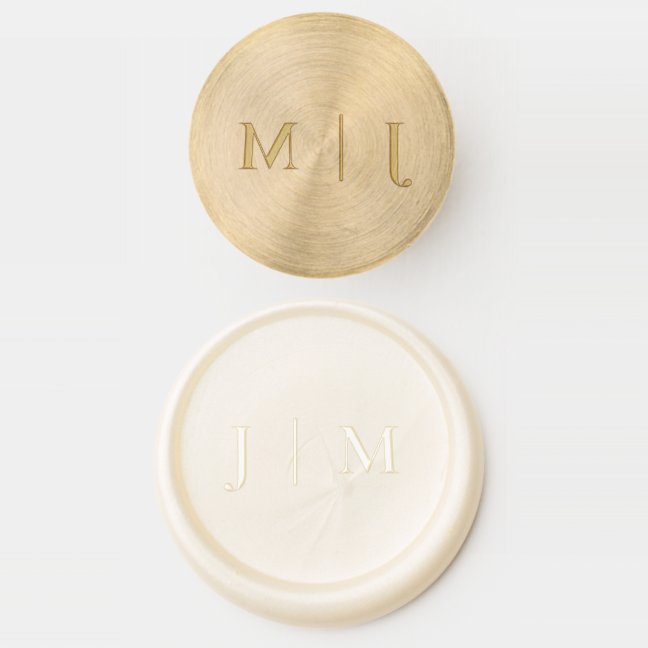
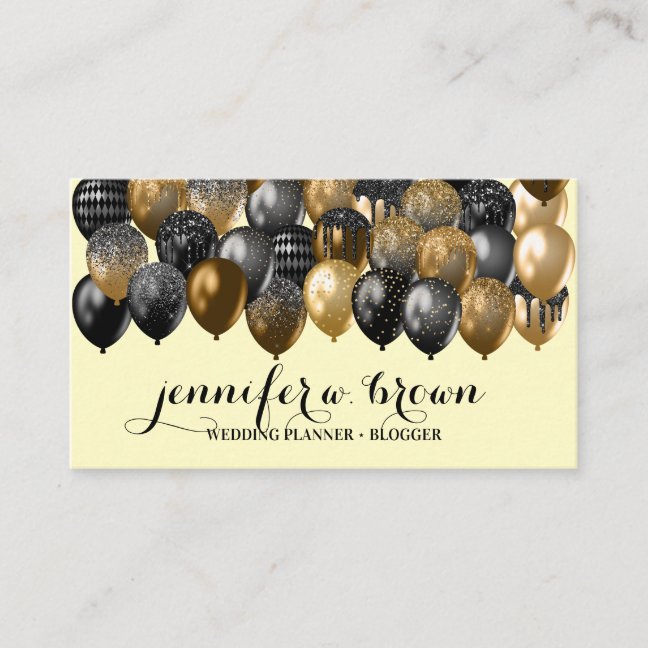
Monogram wax seals, script wedding invitations, signature business cards and custom stamps.
Yes, for personal and commercial projects. Check the licence of the font you choose if you register the logo as a trademark.
Is the download transparent?
Yes: the PNG has a transparent background so it sits on any colour.
Is the SVG a real vector?
The SVG download embeds the rendered image so it opens in vector apps, but it is not editable as paths. For crisp print, export the PNG at the largest size.
Which fonts suit wedding invitations?
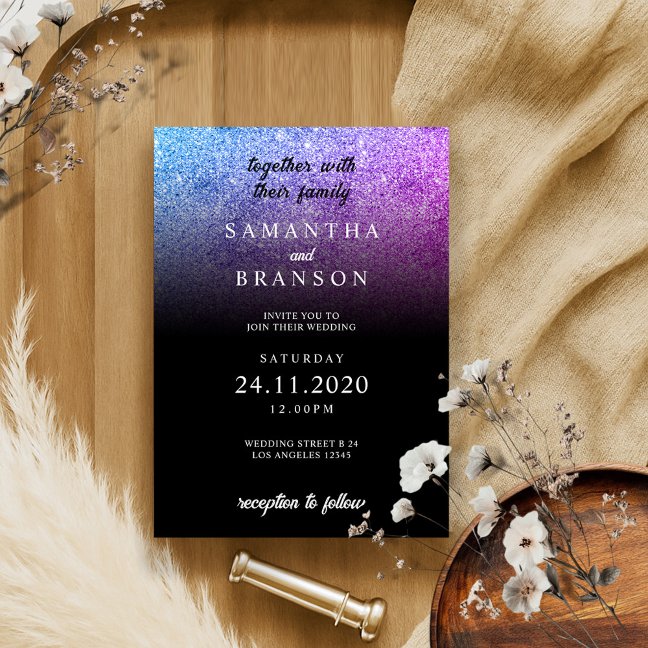
Flowing scripts with long swashes for names; pair with a plain serif for dates and addresses.